Many programs, mostly web browsers, store temporary data that, while it can be useful at times, takes up more and more disk space as time goes by.
BleachBit gives us the opportunity to remove this data from our system quickly and easily, allowing us to choose which data we want to keep and which we want to permanently delete from our system.
Temporary files are displayed organized into categories according to the program they belong to. For example, the cache, cookies, or Firefox browsing history are some of the items belonging to the category of the same name.
It features a preview system to analyze the amount of space to be freed up before performing the action irreversibly.
All of this makes BleachBit a quite useful application.
You can go to the official page to download bleachbit.
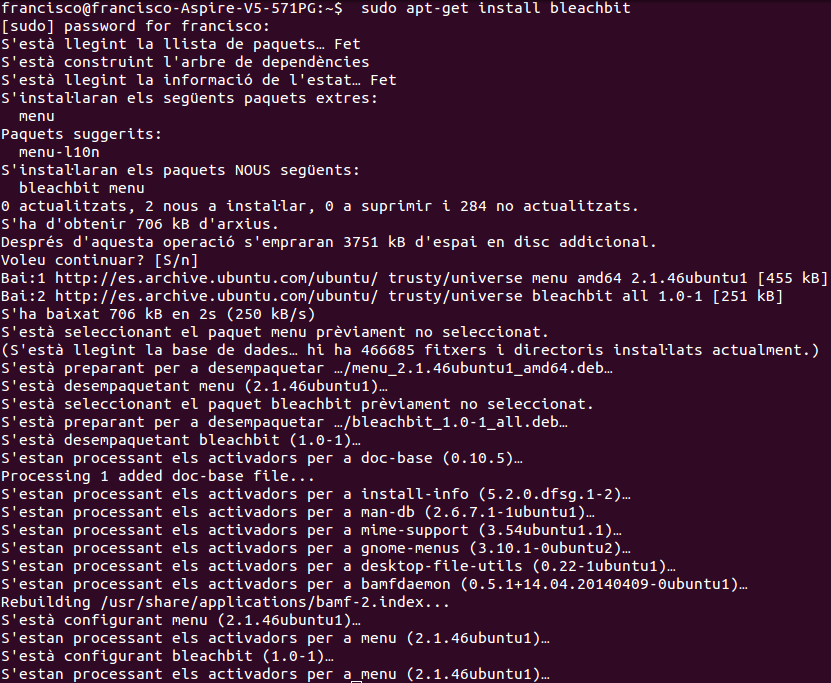
Or install it from the terminal:
`
sudo apt-get install bleachbit

If you want to see an example of how the program works:
