To perform the automatic installation, we need to follow these steps:
cd ~
sudo apt-get install git
git clone https://github.com/aschenkels-ictstudio/openerp-install-scripts.git
cd openerp-install-scripts
cd odoo-v8
cd ubuntu-14-04
sudo chmod +x odoo_install.sh
sudo ./odoo_install.sh
wait for everything required to download
that's it, Odoo is up and running
sudo /etc/init.d/odoo-server stop (to stop) or sudo /etc/init.d/odoo-server start (to start)
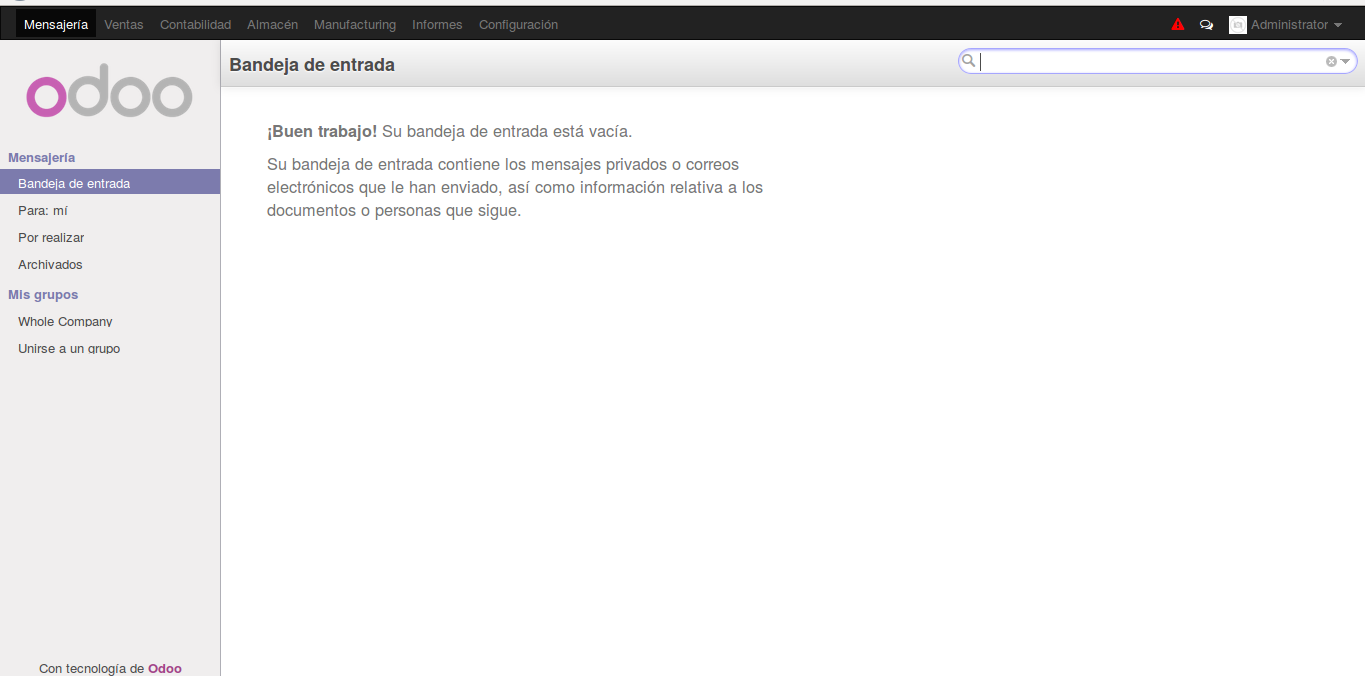
With localhost:8069 in our browser, we should be able to load Odoo without any issues.
