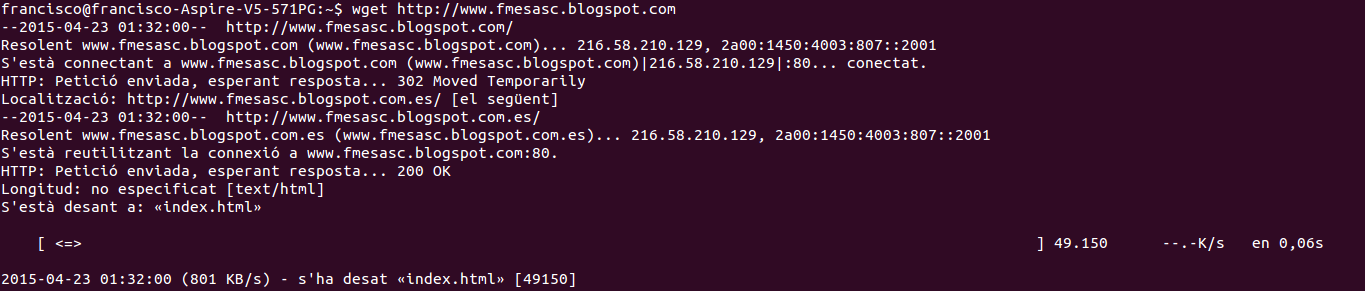
To download a page:
wget http://blog.desdelinux.net/con-el-terminal-bajar-un-sitio-web-completo-con-wget
To download the entire site recursively, including images and other types of data:
wget -r http://blog.desdelinux.net/
And here comes the magic. As they explain well in the HumanOS article, many sites check the browser's identity to apply various restrictions. With Wget we can bypass this as follows:
wget -r -p -U Mozilla http://blog.desdelinux.net/
Or we can also pause between each page, since otherwise the site owner might notice that we are downloading the entire site with Wget.
wget --wait=20 --limit-rate=20K -r -p -U Mozilla http://blog.desdelinux.net/
